Kalodata
Explore tools
English

Channel research

Learn how to use kalodata on youtube for video ideas

If you are asking how to use kalodata on youtube, start by separating product research from channel analytics. Kalodata can inform a topic shortlist where relevant data is available; YouTube Studio is where you check what your own viewers watch and how your videos perform.

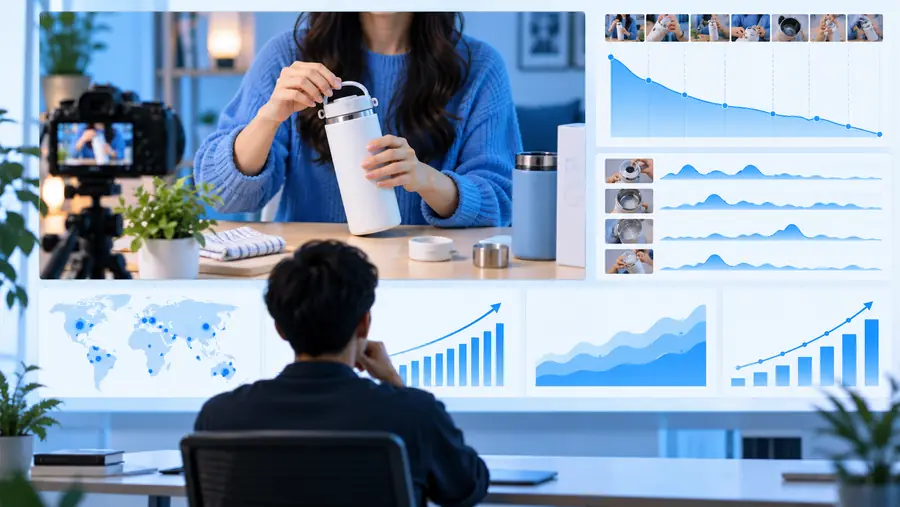
Kalodata site imagery accompanying a guide to video research

Three workflows from product signal to video brief

Use the same sequence for each candidate so a strong-looking product does not skip the audience and evidence checks.

Shortlist a product question

If your Kalodata access provides relevant product research, note the product, category, observation date, market, and signal you saw. Turn it into a viewer question, such as whether an item solves a particular problem. Record what the data does not establish; a sales signal alone is not a content brief.

Check the YouTube audience

Search the question on YouTube and inspect recent results, titles, viewer comments, and competing explanations. In YouTube Studio, review your own audience and search terms where available. Look for a useful angle you can demonstrate, rather than copying the most-viewed title or assuming that Kalodata reflects YouTube interest.

Publish, measure, and revise

Draft a video with a clear claim, a demonstration plan, and a disclosure plan. After publishing, use YouTube Studio to review impressions, click-through rate, retention, and traffic sources when those reports are available. Compare results with your original question, then update the next brief instead of attributing performance to Kalodata.
Example output: a usable video brief

The improvement is not a claim that a product will win on YouTube. It is a brief with a testable viewer question and an explicit evidence gap.

Vague idea

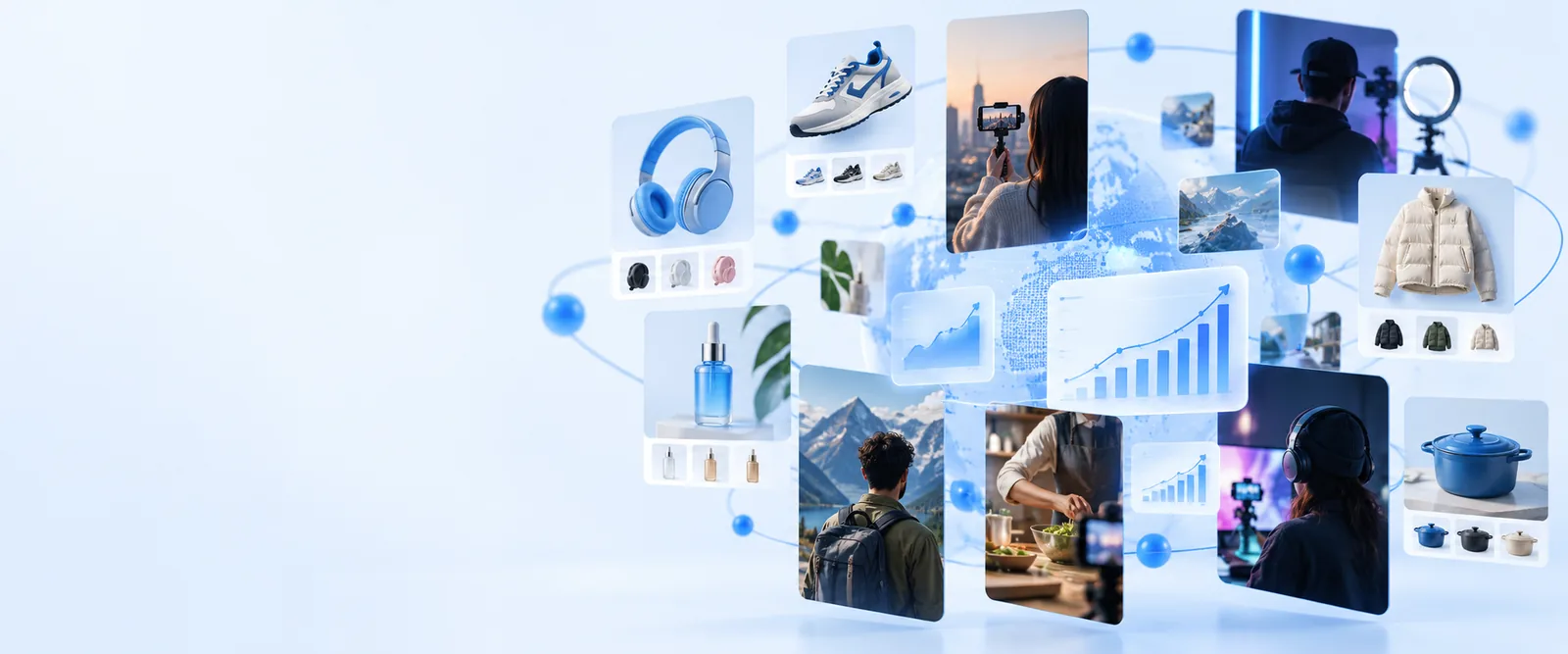
Illustrative starting point for channel research
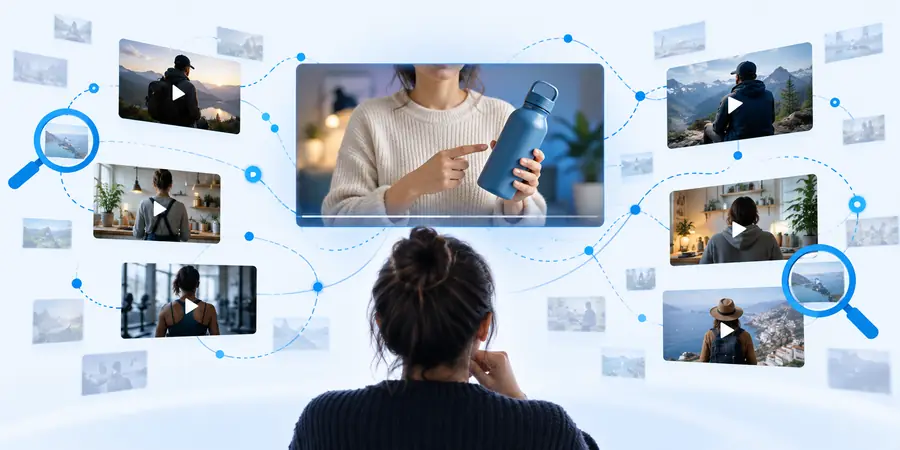
Illustrative product-research reference for a more specific video brief
Testable brief

Example brief: “Does a compact desk fan make a small workspace more comfortable?” Audience: people working in warm rooms. Plan: show noise, airflow, power requirements, and limitations. Evidence to collect: hands-on footage, product specifications, current YouTube results, and viewer questions. These images illustrate research stages; they are not a before-and-after export from Kalodata.

Compliance notes and research limits

Keep your claims narrower than your evidence, especially when a product mention could influence a purchase.

No direct YouTube performance forecast

A product trend observed through Kalodata cannot establish future views, watch time, or revenue on YouTube. Different audiences respond to different formats and recommendations.

WorkaroundUse YouTube Studio for your channel's results and treat each new video as a measured test.

No substitute for product testing

Research data cannot confirm a product's safety, durability, specifications, or suitability for every viewer. Avoid presenting an untested benefit as a personal finding.

WorkaroundCheck primary specifications and demonstrate only what you can verify; state when you have not tested the item.

No automatic rights or disclosure clearance

Finding a product or creator does not grant permission to reuse footage, music, screenshots, or endorsements. Affiliate relationships and sponsorships may require disclosures.

WorkaroundUse footage you own or have permission to use, follow YouTube's policies, and disclose material connections clearly.

No guaranteed data coverage

Available markets, fields, and access conditions may vary. Do not build a workflow around a Kalodata metric you cannot actually see or define.

WorkaroundDocument the source and date of each observation, and remove unsupported figures from the video brief.

Which source answers which question?

This comparison is a routing guide, not a claim that either source supplies every field for every account or market.

Kalodata research, if available YouTube and YouTube Studio
1

Starting question

Kalodata research, if available

Which products or categories merit closer investigation?

YouTube and YouTube Studio

Which video questions are people seeking or watching?

2

Platform context

Kalodata research, if available

Interpret observations in the market and platform where they were collected.

YouTube and YouTube Studio

Interpret search results and channel reports in a YouTube context.

3

Audience evidence

Kalodata research, if available

A product signal does not describe your channel's viewers.

YouTube and YouTube Studio

Audience reports, where available, describe your own viewers.

4

Creative decision

Kalodata research, if available

Suggests a subject to investigate, not a proven video format.

YouTube and YouTube Studio

Results, comments, and past videos can help shape an angle.

5

Performance check

Kalodata research, if available

Cannot verify a published video's retention or traffic sources.

YouTube and YouTube Studio

Studio reports show eligible metrics for your published videos.

6

Responsible claim

Kalodata research, if available

Cite an observation only with its source, scope, and date.

YouTube and YouTube Studio

Report channel outcomes with their measurement period and context.

Take the next research step

Turn a product question into a channel test

Keep Kalodata observations separate from YouTube evidence, write down the claim you intend to test, and identify what you still need to verify. Explore the linked product to see whether its current research options fit that process; available features and access conditions should be checked there.

  • Start with one specific viewer question
  • Verify product claims before filming
  • Measure published results in YouTube Studio

YouTube research FAQ

This guide does not assume a direct Kalodata integration with YouTube. The workflow is to use any relevant Kalodata research you can access as an input, then validate the idea separately on YouTube and in YouTube Studio.

No product-research observation guarantees a video's performance. Search context, your audience, the quality of the demonstration, and the video's execution all matter; measure the outcome in YouTube Studio.

Check that the viewer question is specific, that you can substantiate product claims, and that you have rights to the media you plan to use. If there is a sponsorship or affiliate connection, review the applicable disclosure requirements before publishing.

Do not invent or substitute a number without explaining the change in source. You can still investigate a viewer question using YouTube results, your own Studio reports, product documentation, and hands-on testing.

Explore tools
Explore tools